
Code Versions
This productivity plugin makes it easy to navigate and restore code changes. It supports safe and efficient code management with diff views and quick execution.
Introduction
Introduction
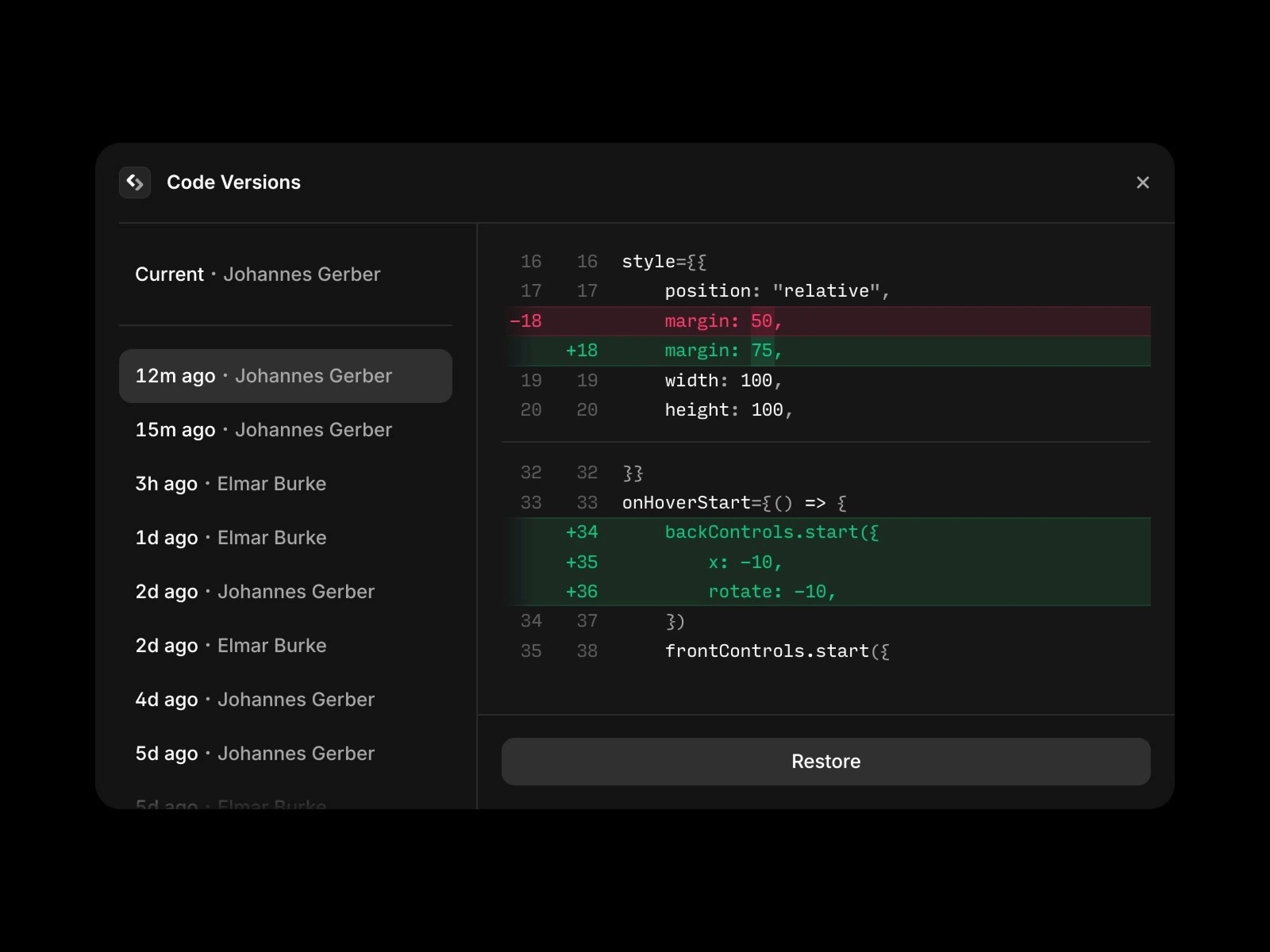
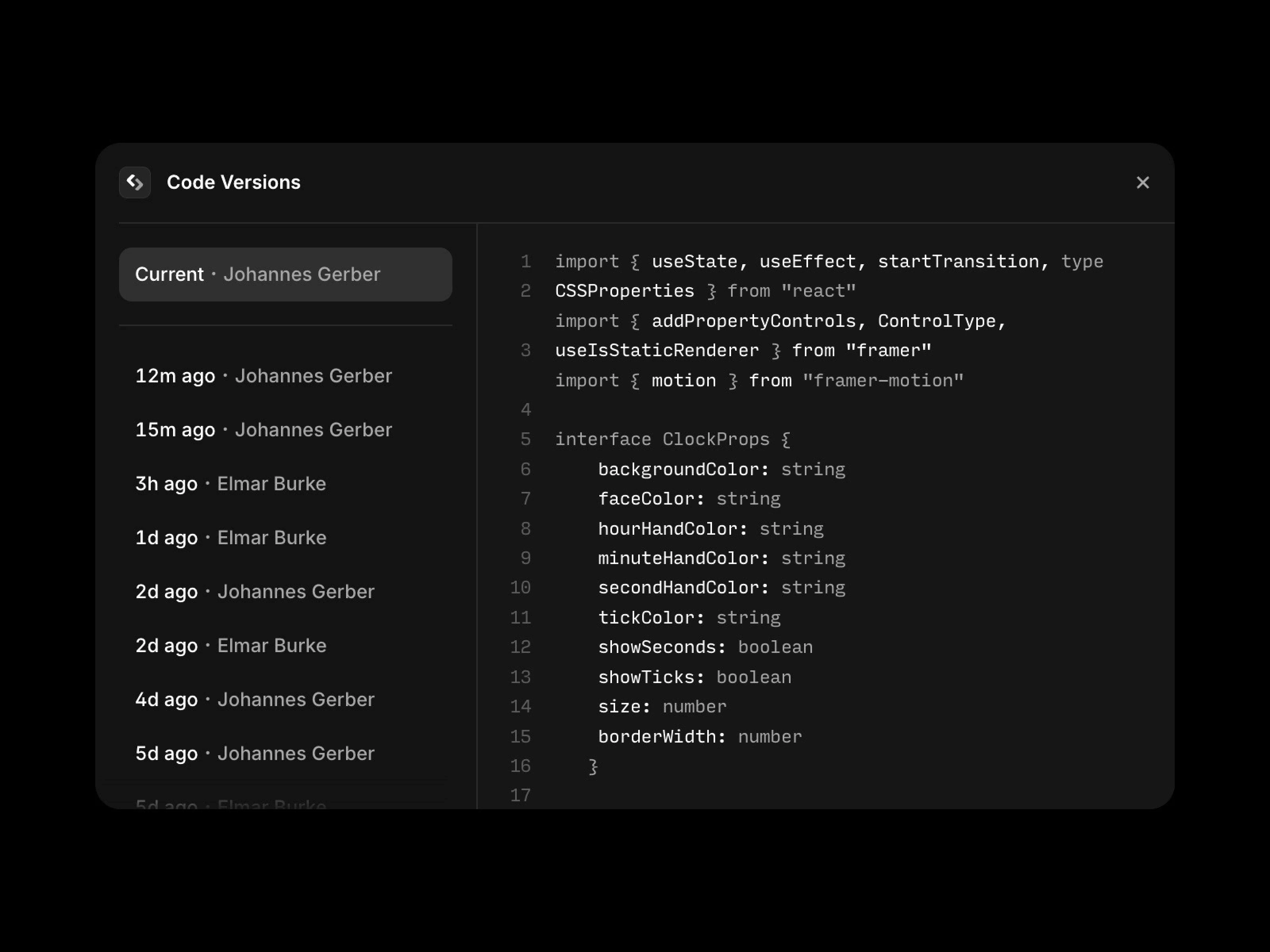
Code Versions is a productivity-focused plugin that helps you efficiently manage code change history. You can easily browse, preview, and restore previous versions of code even while working on Code Components or Overrides.
Detailed Description
The plugin can run in the Canvas or Code Editor.
In the Code Editor, press the shortcut (⌘K on Mac, Ctrl+K on Windows) to open Quick Actions and select Code Versions.
The code preview includes a diff view feature that highlights changes, making it easy to see the differences between the current and previous versions and restore them when needed.
Explore More Plugins