
Find and Replace
The Find and Replace plugin saves editing time by replacing text, allowing you to quickly update brand names or product names throughout your project.
Introduction
Introduction
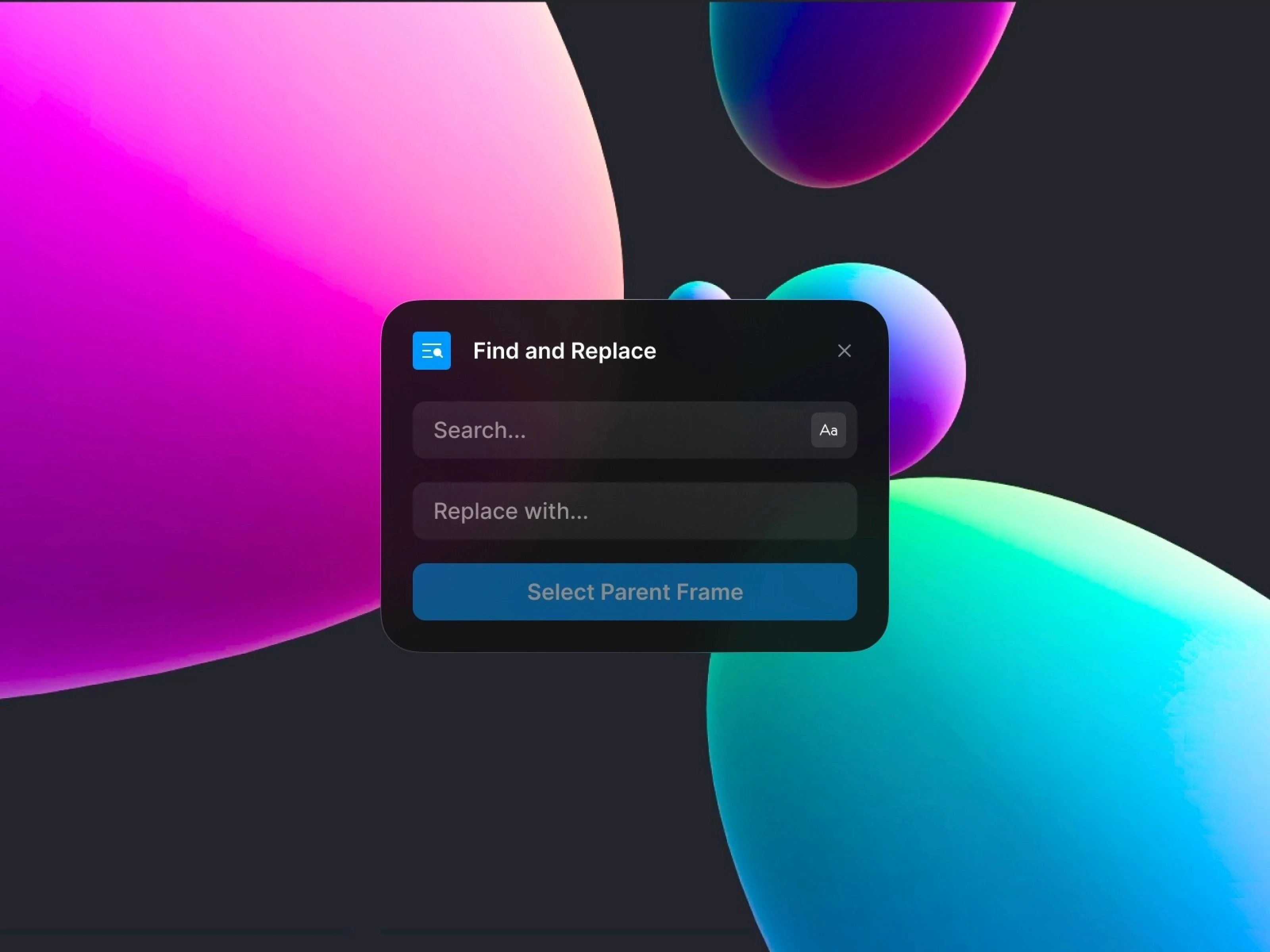
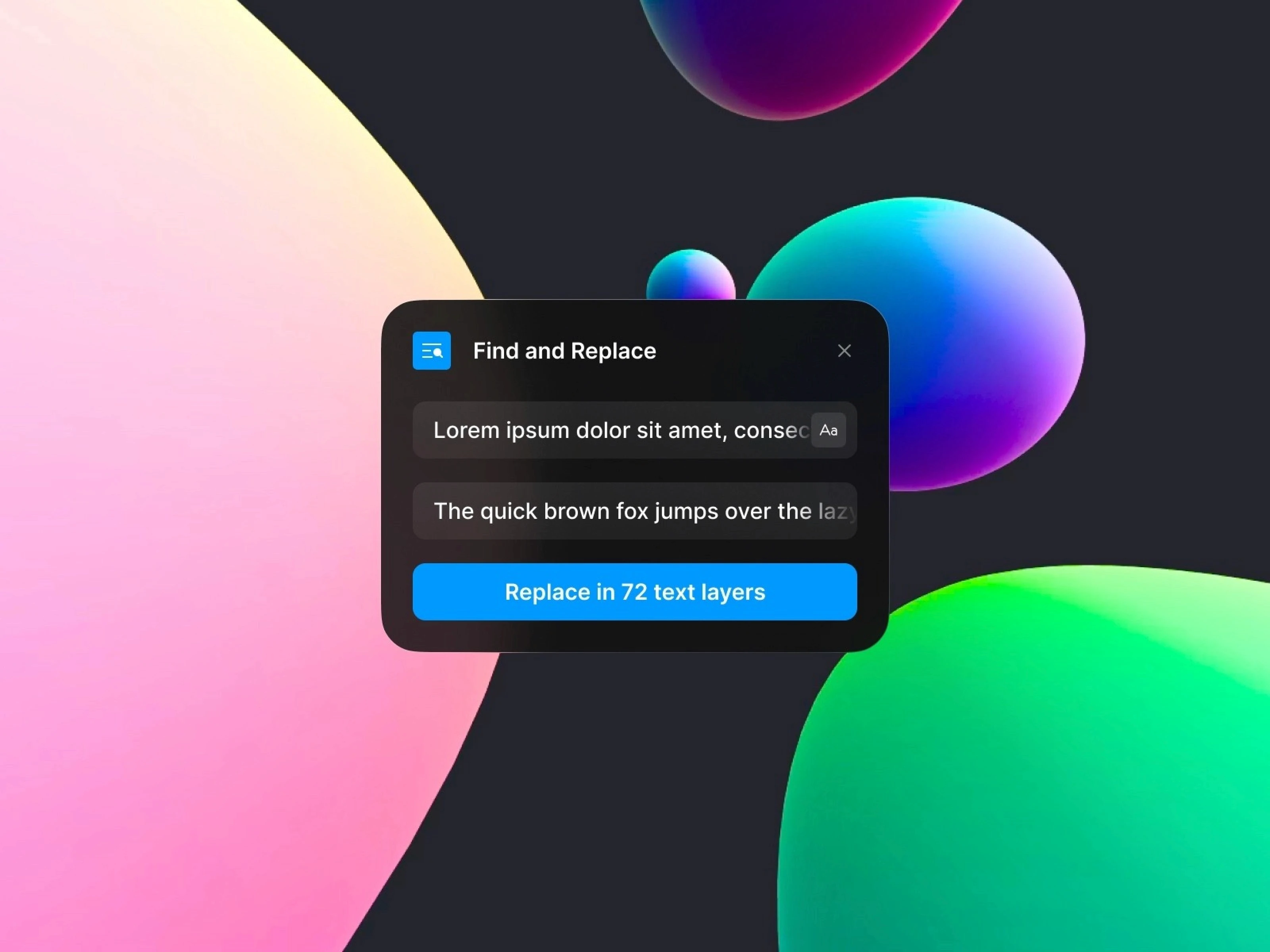
The Find and Replace plugin offers a bulk text replacement feature, allowing you to easily update multiple text elements without the need to edit them individually.
It significantly boosts editing efficiency by letting you search for words within specific frames or groups on the canvas and instantly replace them with other text.
Main Features
Frame-Level Text Search and Replace
It scans all text within the selected parent frame at once. You can find text that matches the input phrase and replace it immediately with another phrase in bulk.
Fast and Intuitive Interface
Set your search and replacement terms with a simple input box. It provides a clean editing experience that can be applied instantly without complex configurations.
Optimized for Project-Wide Revisions
Simultaneously modify frequently changing text like brand names, product names, and dates across an entire project. It is especially useful for large projects or client work.
Tips for Use
Effectively use it for changing brand names or updating version information throughout a site.
It's beneficial for reflecting design guides when changing the style of specific words (e.g., “Sign up” → “Get Started”).
Use it to quickly review and revise wording before previewing, saving time and reducing errors.
Explore More Plugins