
Phosphor
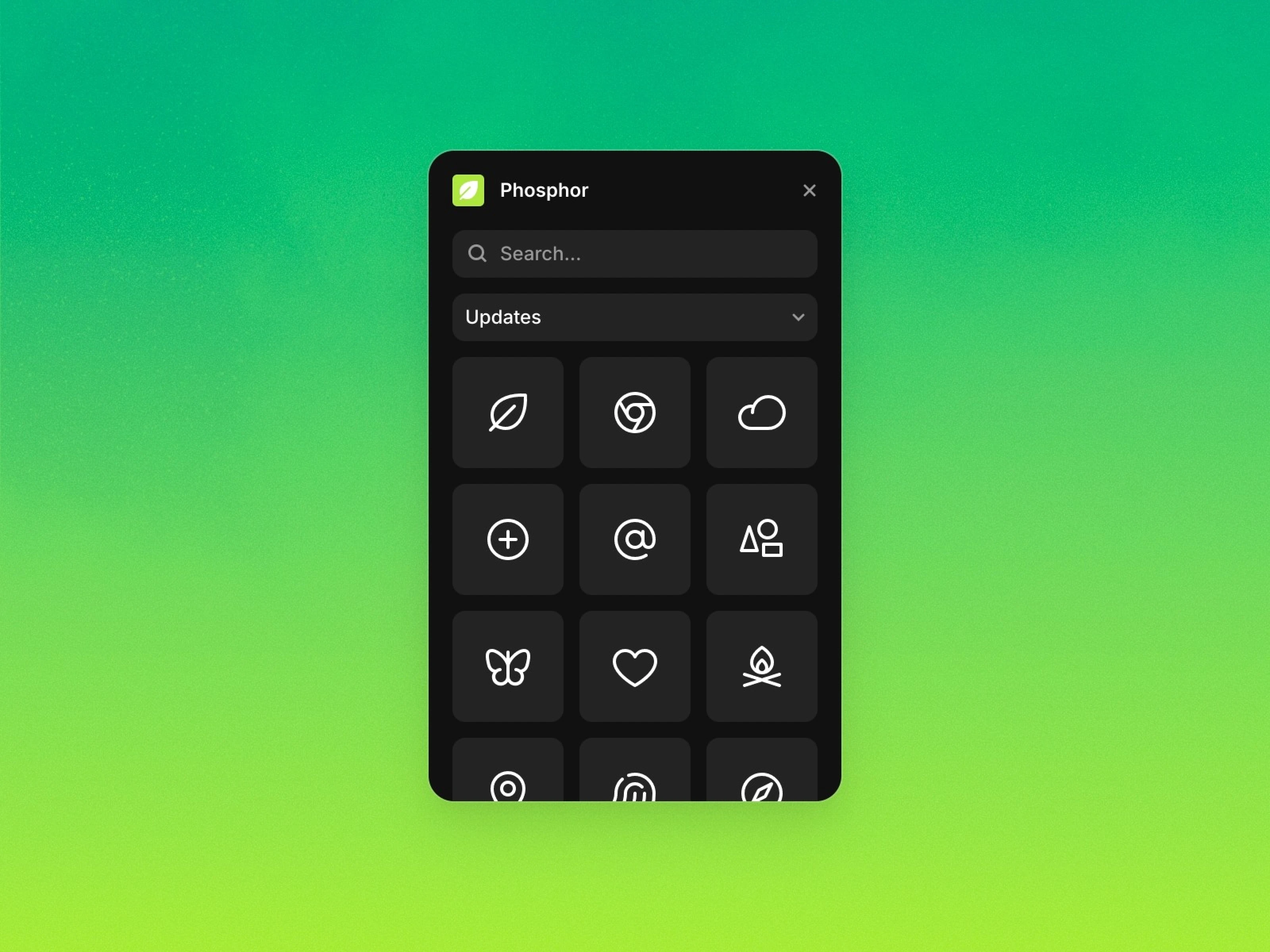
Phosphor Icons is a plugin that allows you to effortlessly insert a variety of icon styles into Framer. With drag-and-drop and resizing features, you can achieve fast and precise design work.

Introduction
Introduction
Phosphor Icons is a versatile icon library that enhances Framer designs. It helps you easily add icons to your projects, streamlining your workflow with search and drag-and-drop functionality.
Main Features
One-Click Paste and Drag-and-Drop
Quickly add icons to your canvas with just a click or drag and drop.
With Phosphor Icons, inserting icons is easy and fast, and you can freely adjust them to your desired size, allowing for design flexibility and pixel-perfect precision.Choose Icon Styles
Select from 6 icon styles to perfectly match your design style.
From Bold to Duotone, it offers styles that suit any project.
Explore More Plugins