Insights
Dec 26, 2025
Customizing Tab Order in Framer
Setting the keyboard tab order in Framer allows users to navigate your webpage more efficiently, and emphasizing CTA buttons can encourage user actions. This feature is available on all plans and can easily be reverted to the original order.

Uploaded by

Translated by

Contents
Table of Contents
Why Should You Set the Keyboard Tab Order?
The keyboard tab order allows keyboard users to navigate a webpage efficiently. A properly implemented webpage flows naturally, like reading a book. Conversely, incorrect tab order can cause confusion or lead users to miss important content.
Setting the Tab Order
By default, a webpage’s tab order follows the sequence of links, buttons, and input fields based on their placement in the layer panel or markup.
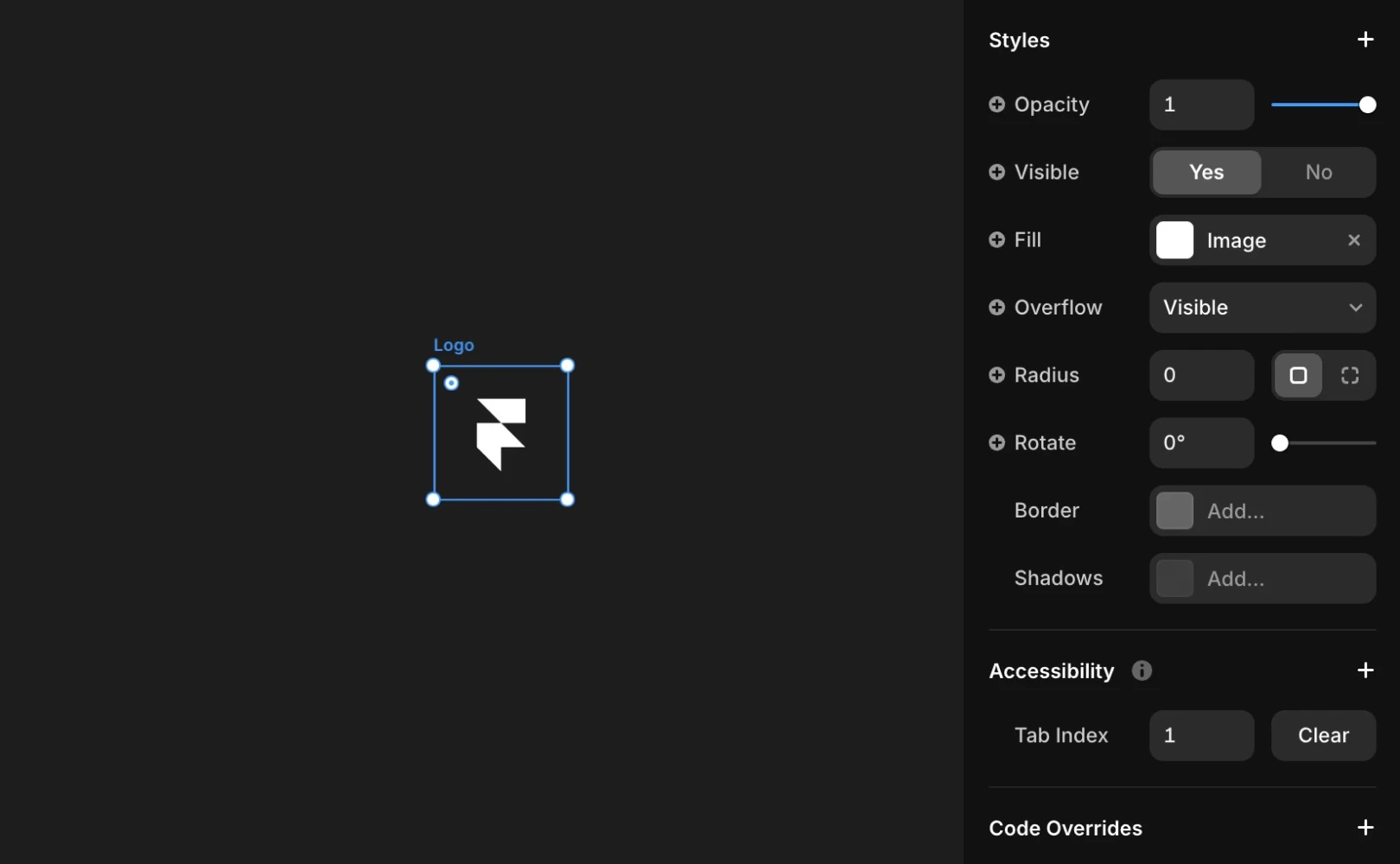
Using the Accessibility panel’s Tab Index in Framer, you can set the tab order directly. This makes it much easier to guide a user’s focus first to the main CTA (Call-to-Action) buttons.
Why Guiding Users to CTAs is Important
One of the key advantages of customizing the tab order is the ability to emphasize the CTA (Call-to-Action) buttons, which are the most crucial actions for a user.

CTAs refer to buttons or links that encourage user action, such as 'Buy Now', 'Start Free Trial', or 'Contact Us'.
If users have to sift through numerous menu links to reach a CTA button at the bottom of the page or in the middle of the content, they will likely experience fatigue. Therefore, optimizing the tab order allows you to design the page so users can quickly access the CTA button as soon as they arrive, or according to a logical flow.
Frequently Asked Questions (FAQ)
Q. Can this feature be used on the Free plan?
Yes. Framer considers web accessibility an essential element of a website, so the features for setting tab order and labels through the Accessibility panel are available on all projects, regardless of plan tier.
Q. Once I set a tab order, can I revert it?
No. If you delete the manually set order value in the Accessibility panel, Framer immediately reverts to the default order determined by the layout structure.
Q. Can the tab order between form input fields be set through this panel?
Yes, you can set it. Particularly in forms with many input fields, like a Contact Us form, it's advisable to set a natural sequence such as ‘Name > Email > Submit’.
This article is a translated and adapted version of 'Tab order customization' from Framer's official blog.


