Insights
SEO
Dec 26, 2025
Utilize text styles and semantic tags on your website
Semantic tags in Framer enhance web accessibility and SEO, improving user readability with a clear heading structure. Using the correct tags clearly conveys the importance of content.

Uploaded by

Translated by

Contents
Table of Contents
What are semantic tags?
Semantic means 'of meaning, pertaining to meaning.' Semantic tags, therefore, are not just about changing the size or appearance of the text; they deliver a clear meaning to the browser and search engines about the role the content plays within the website.
Semantic tags in Framer
In Framer, semantic tags like h1 to h6, p are automatically assigned when creating text styles.
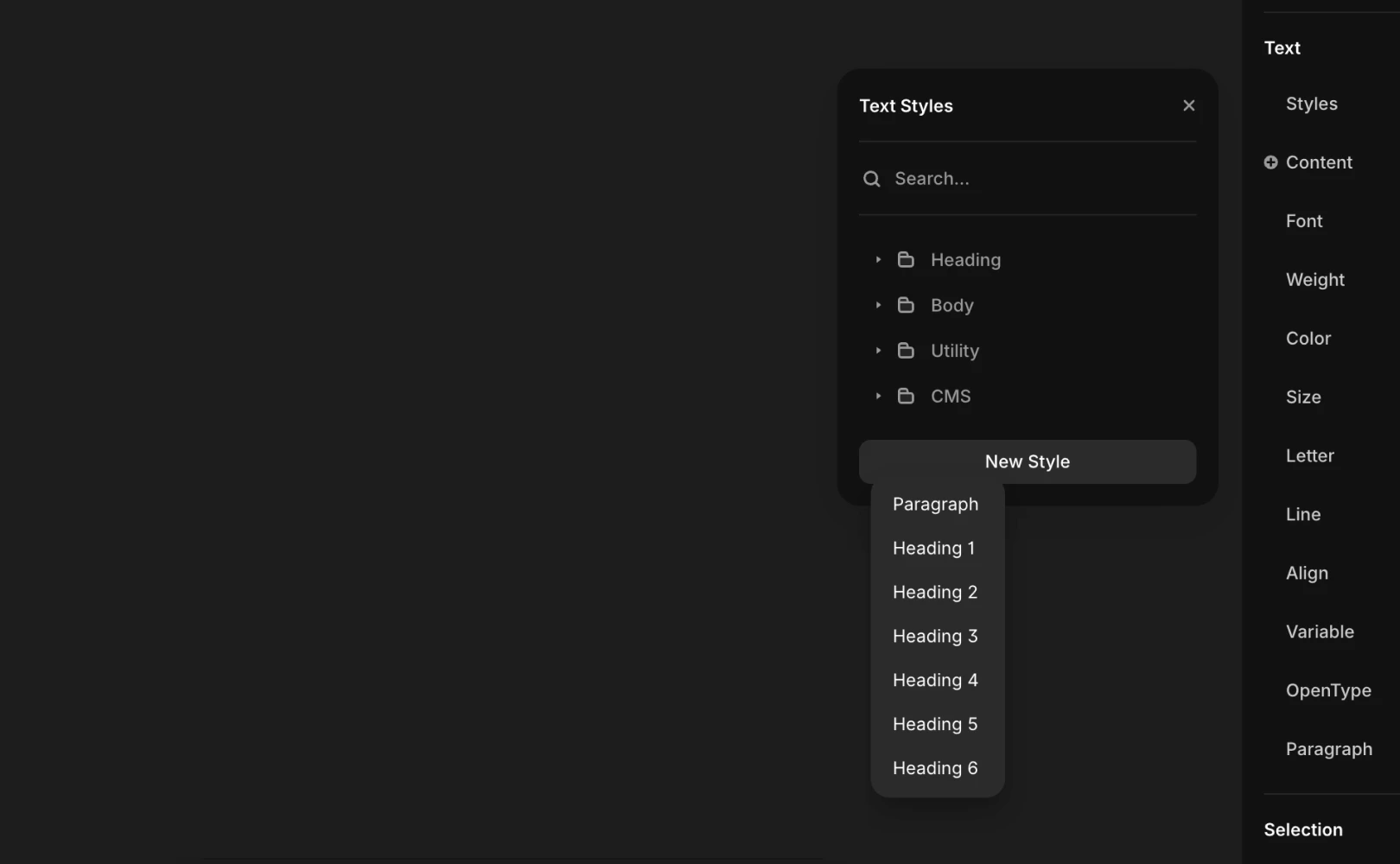
These tags can be individually customized to change settings for each element using the Accessibility panel, allowing you to intricately tailor the semantic structure of your site as desired.
Reasons to use semantic tags
A well-structured layout simultaneously improves search engine optimization (SEO) and web accessibility. Proper use of headings and subheadings can enhance readability for users with visual or cognitive impairments. Furthermore, it creates a more navigable environment for those who rely on screen readers to find and explore information smoothly.
Utilizing semantic tags
Using a clear heading structure is essential in website creation.
Assign the most important main title to the <h1> tag, then organize the following content systematically using <h2> and <h3> headers.
This approach improves usability and prevents the creation of excessively large text blocks. Additionally, it significantly aids search engines in accurately understanding the hierarchy and importance of your content.
Frequently Asked Questions (FAQ)
Q. Can you use multiple <h1> tags on one page?
Yes. Technically, it's possible, but not recommended. By semantic structure standards,
<h1>represents the most important theme of the page, so from an SEO perspective, it is recommended to use just one per page.
Q. Can semantic tags be assigned to non-text Frame elements?
Yes. In Framer, you can select frame layers, not just text, and set tags using the Accessibility panel.
Q. Do letters included in images get recognized as semantic tags?
No. The text contained within image files (JPG, PNG, etc.) cannot be read as text data by search engines or screen readers. Important text information contained in images should be entered into the Alt Text field so search engines can understand the image's meaning and reflect it in SEO.
This article is a translated and adapted content from Framer's official blog ‘Text styles and semantic tags’.


