Read Time
min
Get Started
Aug 13, 2025
How to Use Framer Templates: From Free to Paid Options
Framer templates offer complete solutions for various website designs, with both free and paid options available. They're easy to customize, making them suitable for both beginners and experts. Detailed guides on using templates and refund policies are also provided.



Contents
Table of Contents
What is a Framer Template?
A Framer template is a complete website created by Framer creators. It offers a wide range of compositions from single pages to portfolios and shopping malls. Most templates allow you to freely customize layouts, sections, and styles.note: Recommended for beginners and experts who want to establish a solid foundation instead of starting from scratch.
Where can you find templates?
Framer Marketplace
The main space where reviewed templates that meet submission guidelines are uploadedFramer Community Showcase
A community space where Framer creators worldwide share and discover new templates they have madeExternal Channels (SNS, forums, personal sites, etc.)
Places where a variety of templates are shared through creators' channels
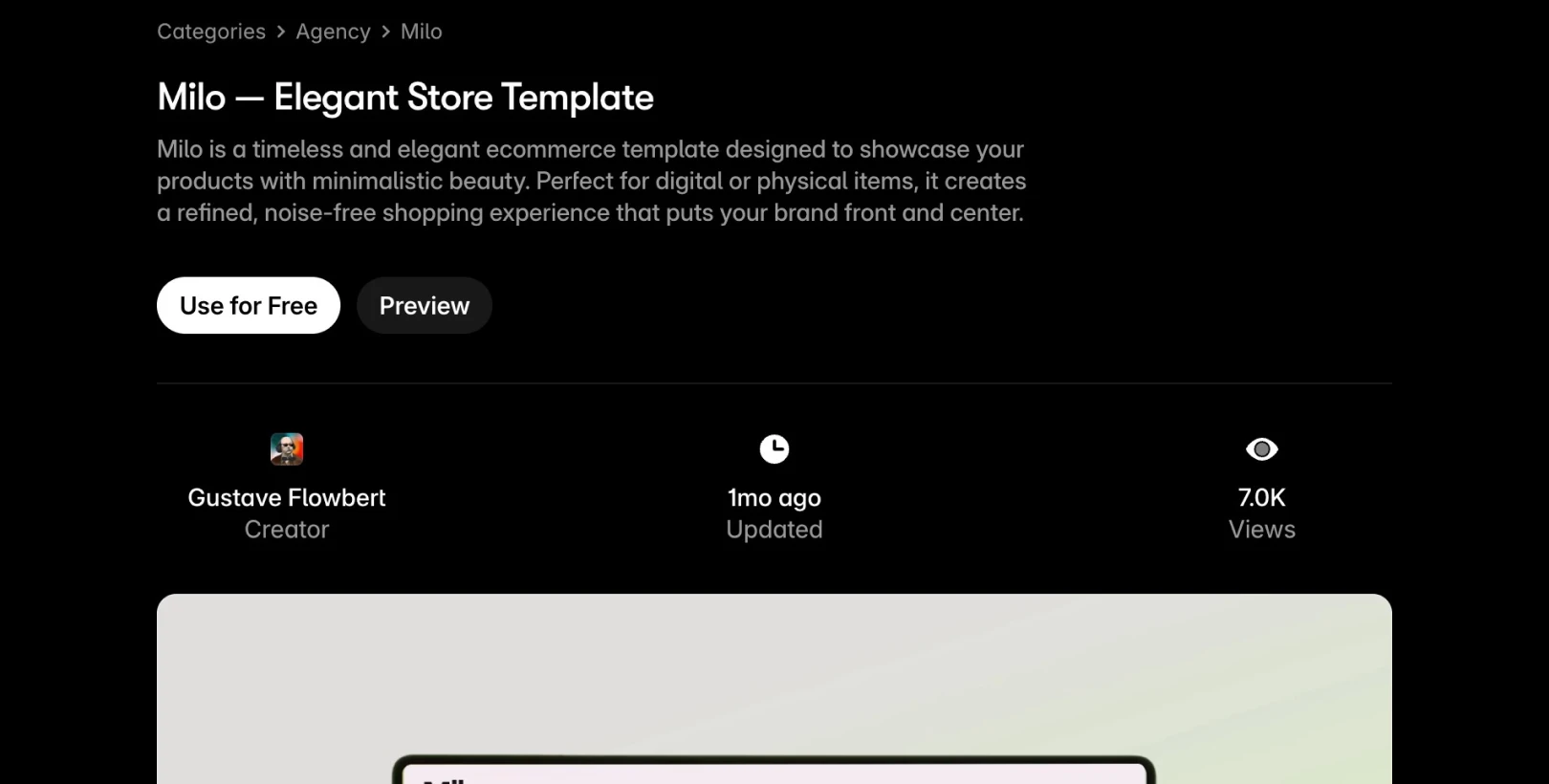
How to use free templates
Access Marketplace
Click
Use for Freeon the desired templateIn the Remix window, click the
Copybutton to duplicate it to your workspaceThe Framer editor opens and the template loads
How to use paid templates
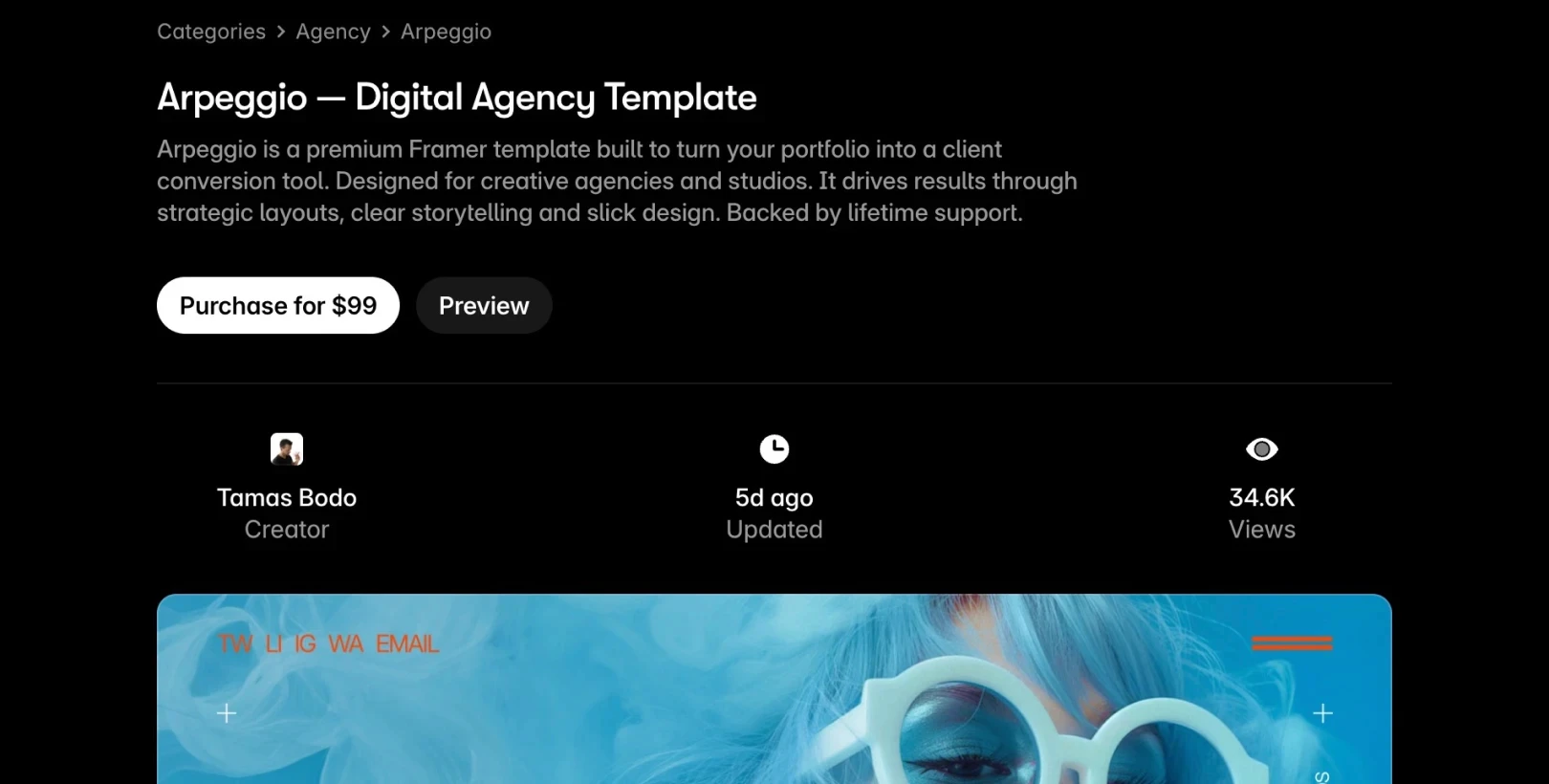
Access
MarketplaceClick “
Purchase for…” on the desired paid templateProceed to the creator's payment page
After payment, receive the Remix link via email
Click the link to copy the template to your workspace and you're done
How to get a refund for a template
Framer does not directly handle template payments or refunds, and all transactions are managed by the template creator. As refund policies vary by creator, we recommend checking them carefully before purchasing.
You can find the creator’s contact and support information on the template detail page. If it's difficult to contact the creator, you can reach out to the Framer support team at (creators@framer.com) for assistance.
This article is a translated and adapted version of the Framer official blog’s ‘Using Templates’.
More posts



