Read Time
min
Design
Aug 29, 2025
Creating an interesting and unique 404 page
Explore various techniques to creatively and uniquely design a 404 page using Framer, offering opportunities to enhance user experience and express brand identity.


Contents
Table of Contents
This document aims to address the difficulties faced by Korean users learning Framer due to the lack of resources in Korean. It translates the content from the official blog into Korean and adds practical information. We hope this provides some assistance to those using Framer.
Does the 404 Page Have to Be Dull?
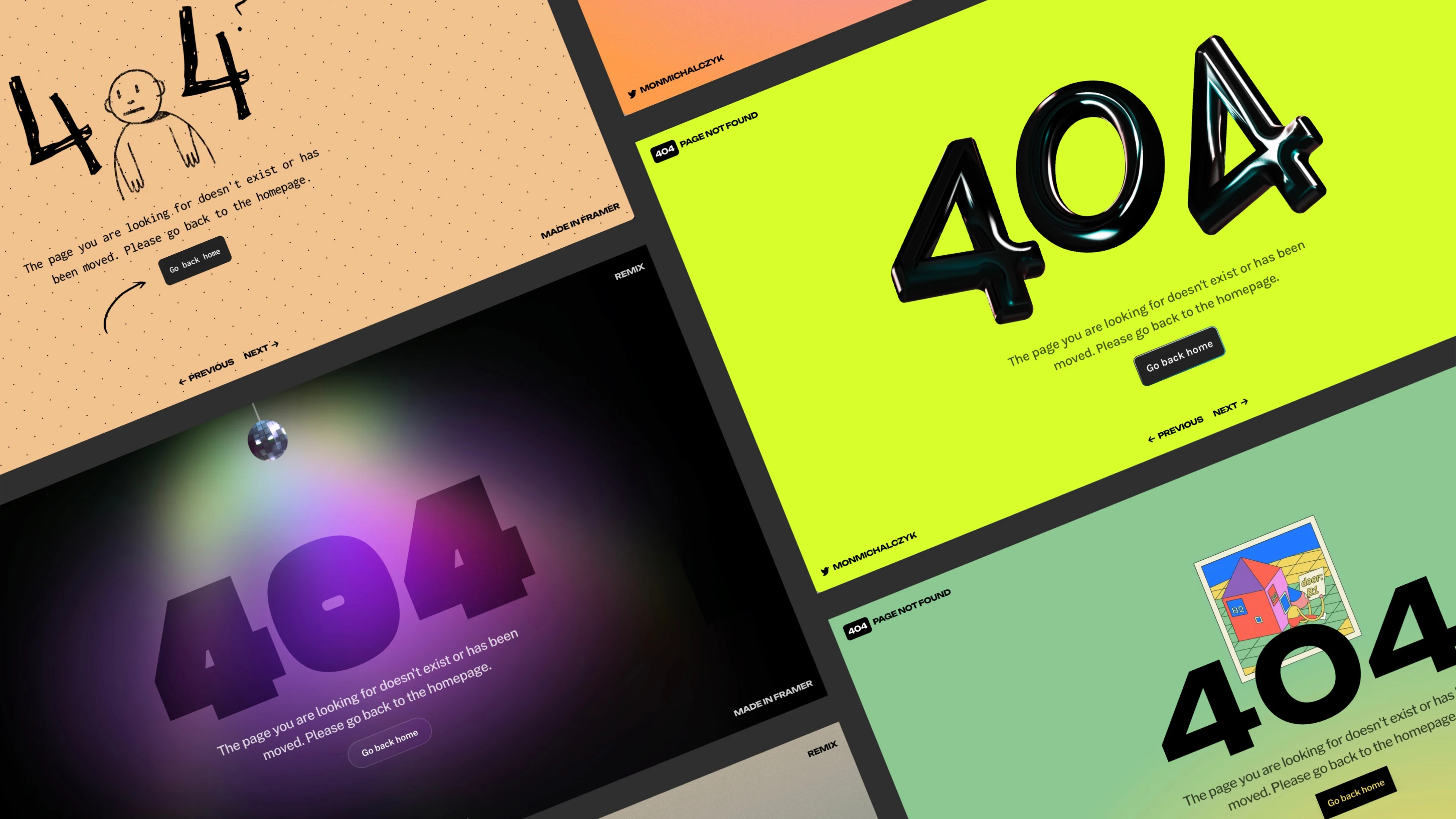
404 pages are often filled with dry notices, but by using Framer, you can easily implement fun and engaging variations. I'll introduce ways to delight visitors and naturally direct them to other pages through a few no-code examples that you can remix and customize.
Using GIFs
In Framer, you can add GIFs simply by dragging and dropping them like images. For instance, you can use animations from GIPHY found by @YUX to enhance the excitement on your 404 page. It's a great example of providing a memorable experience instead of a simple error message.
GIF Tips: Canva
On the popular design platform Canva in Korea, you can easily add and modify GIFs. Canva also integrates the GIPHY library, allowing you to directly apply searched GIFs to your design, and recently offers a service for creating GIFs using AI, enabling anyone to easily create unique 404 GIFs.
Add GIFs made with Canva to Framer to create even more attractive 404 pages.
Mystical Animation with Blur Effects
In another example, GIPHY found artwork by Erica Anderson that adds a blur effect to evoke a mystical feeling. This makes the whole screen feel dreamy and ensures that animations appear smoothly on large screens, providing greater accessibility to more users.
Embedding 3D Typography
Insert sparkling 3D text created with Spline using the Insert menu's Embed component to create an eye-catching 404 page. This method visually impresses users, encouraging them to linger longer on the page.
Using Text Mask
In this example, Benjamin den Boer used the Text Mask component. A Loop GIF was applied as a mask and the Y-axis position was adjusted. The result is a unique and eye-catching 404 page. Like previous examples, this page was easily created and customized in Framer.
Gradient Animation with Loop Effects
Using loop effects, subtle gradient animation was created. The radial gradient with color blending mode gradually adjusts size while blending smoothly with the base gradient, significantly changing the entire page atmosphere despite the minor change.
Creating Your Own 404 Page
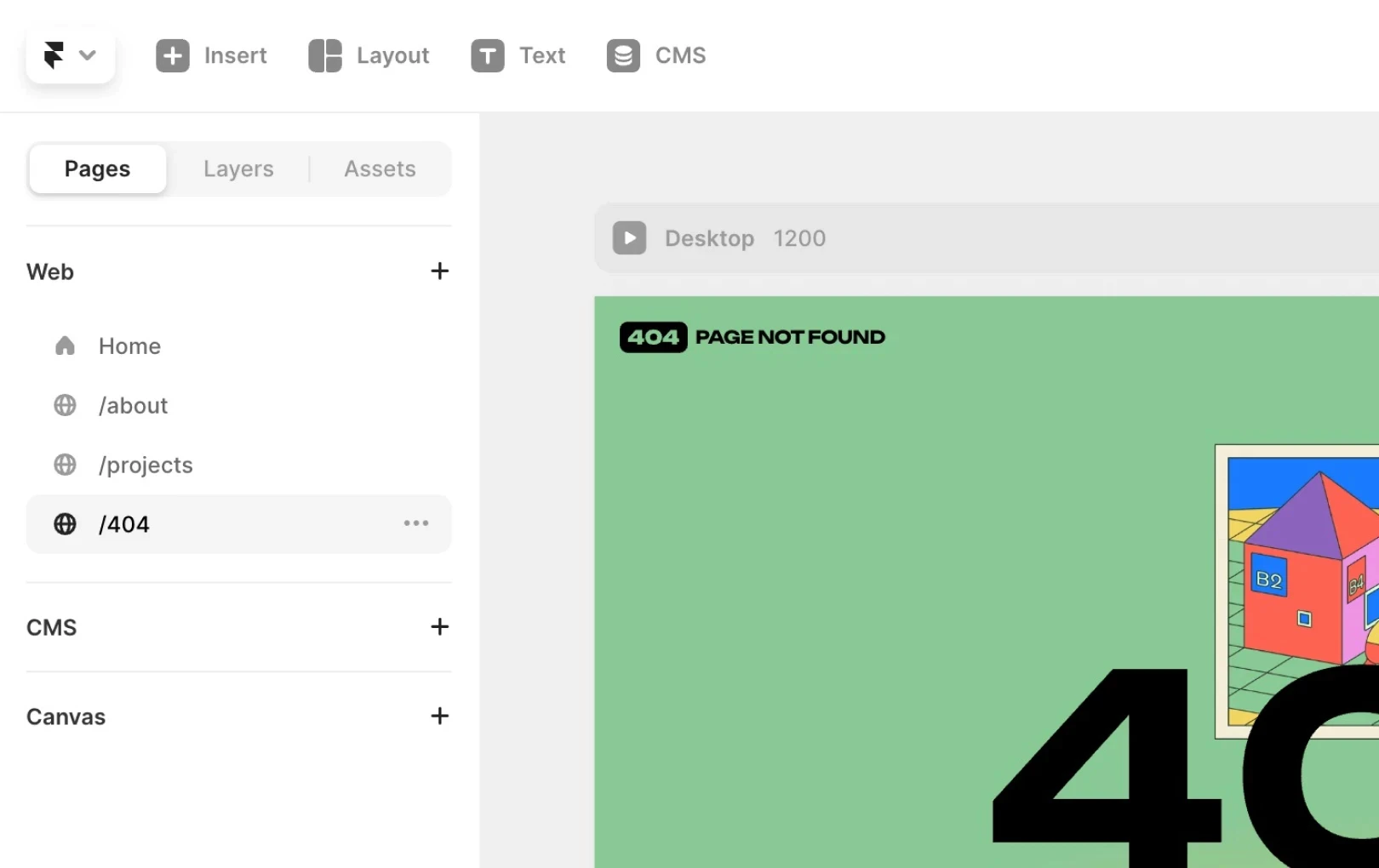
Creating a 404 page in Framer is simple.
Create a new page and set the name as
/404Apply one of the techniques introduced above or create creatively on your own
Through this process, you can provide a unique and enjoyable experience instead of a plain error message.
Conclusion
A 404 page is an opportunity to go beyond a simple error screen and enhance user experience while revealing brand personality. Using the tools and components provided by Framer, anyone can easily create memorable 404 pages. Remix the project to create an attractive 404 page.
This article is adapted from Framer's official blog content, 'Playful approach to 404 pages'.
More posts



