Read Time
min
Get Started
Jul 17, 2025
How to Create a Custom 404 Page
Using Framer, you can easily create custom 404 pages that provide useful information to prevent site abandonment and aid seamless navigation.


Contents
Table of Contents
What is a 404 page?
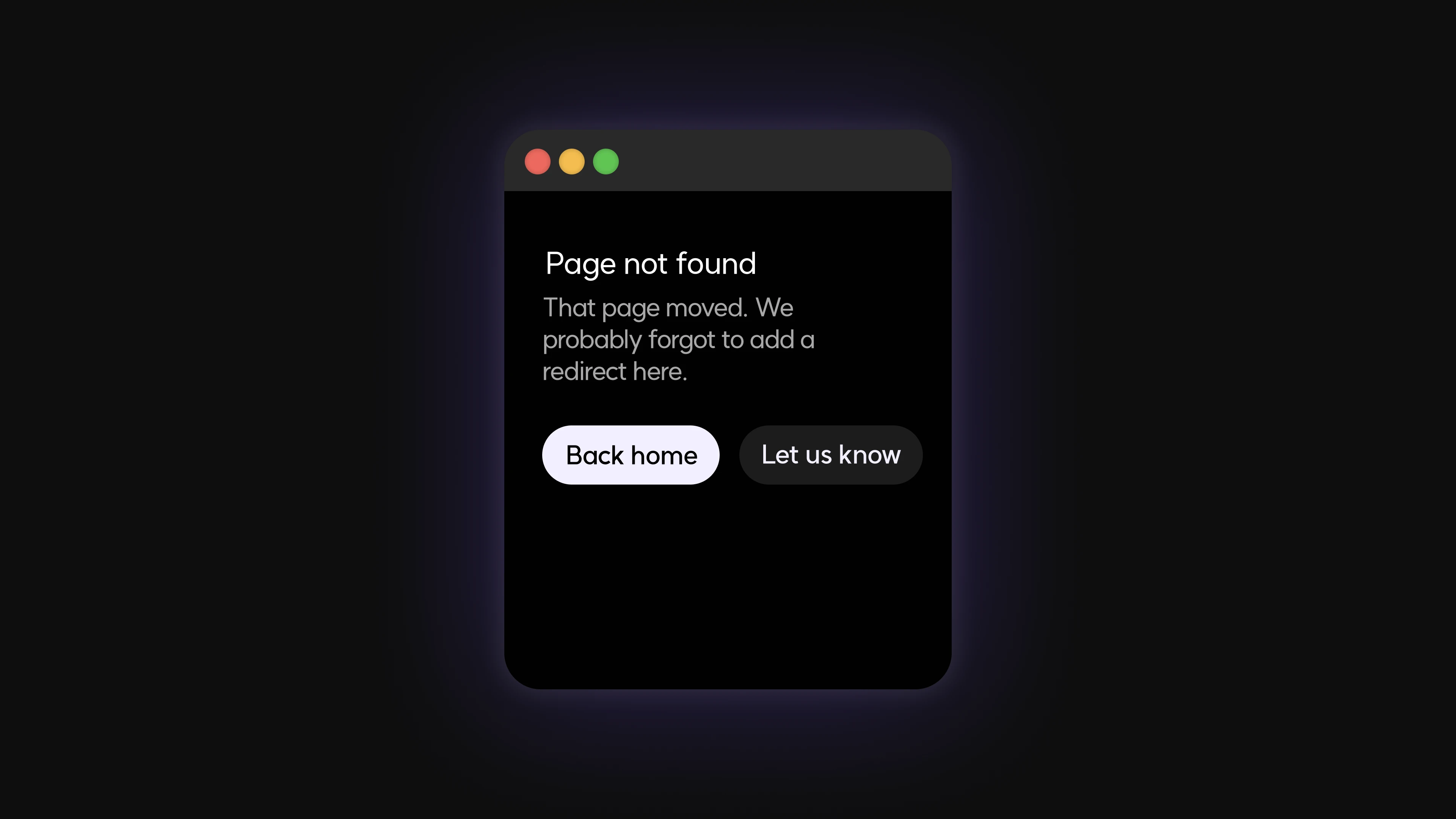
A 404 page is an error page displayed when you try to access a nonexistent URL on a website. It usually appears when the address is entered incorrectly, someone has set up an incorrect link, or if a page has been deleted or moved without proper redirection.

Why do you need a custom 404 page?
While running a website, users may often try to access a non-existent address.
In such cases, if only a bland error message is displayed without any guidance, users may become confused or leave the site. Hence, a custom 404 page is needed. Instead of simply saying “Page not found,” consider providing an easy-to-understand explanation along with a ‘Go to Home’ button or recommended content. This approach helps users continue browsing the site seamlessly.
How to create a custom 404 page
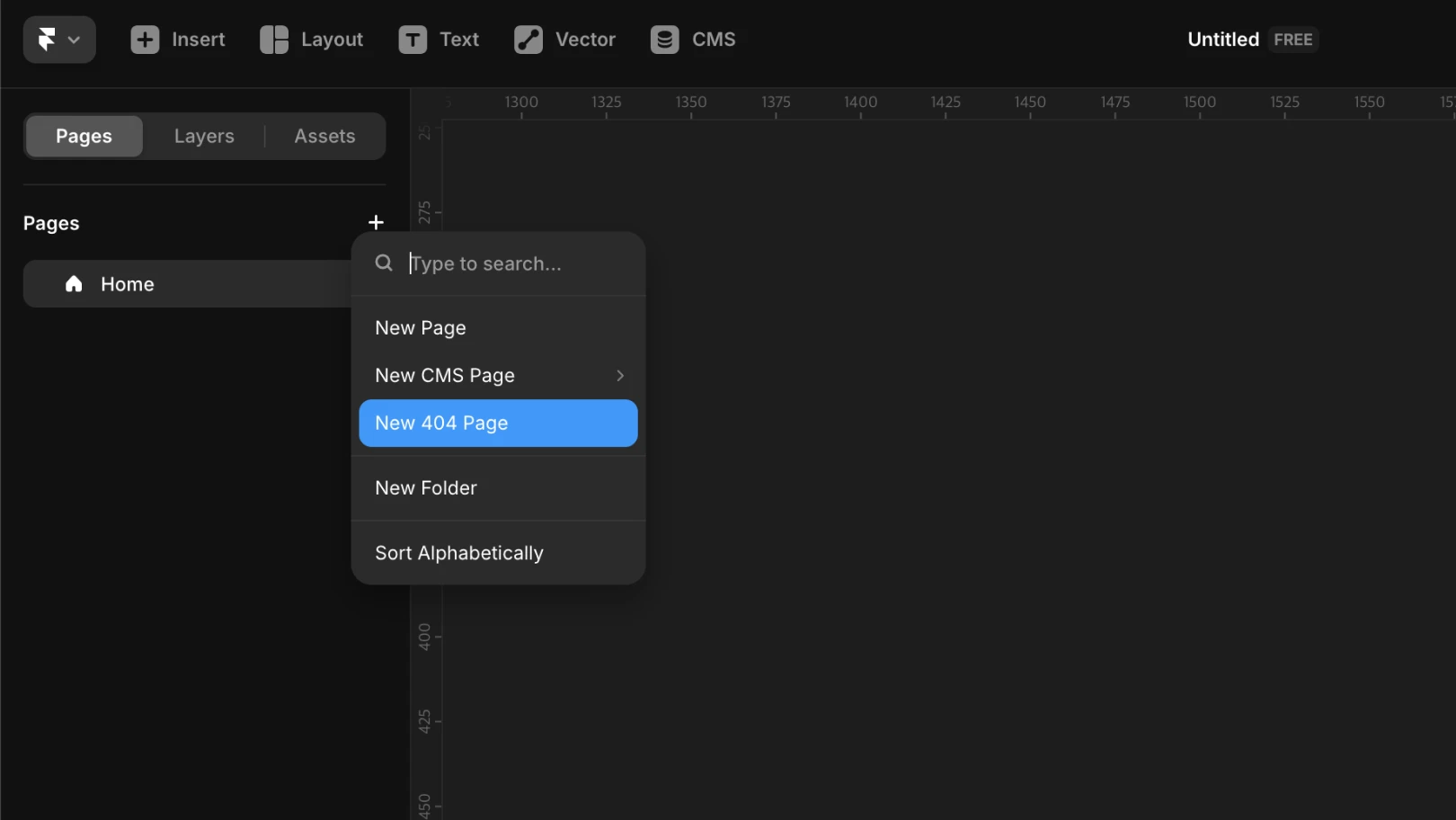
Select the
Pagespanel from the left sidebarClick the
+button located to the right of the page textChoose
New 404 Pagefrom the menu
By following these steps, a /404 page will be automatically added to your project.
Note: You can freely modify the design of the 404 page just like any other regular page.
How to verify your custom 404 page
After publishing your site, try accessing a non-existent address (e.g., example.com/thispagedoesnotexist) in a browser. You can confirm whether your custom 404 page is displayed correctly instead of Framer's default error page.
This article is an adapted translation of Framer's official blog post ‘Creating a custom 404 page’.
More posts



