Insights
Dec 24, 2025
How Framer's form spam prevention works
Framer's spam prevention feature blocks automated bot form submissions through CAPTCHA tests and is included in all plans by default. It effectively filters spam without collecting user data or affecting site speed.

Uploaded by

Translated by

Contents
Table of Contents
Anti-Spam Features of Framer Forms
Framer Forms have built-in spam protection. Please use this guide to understand how these features protect your site.
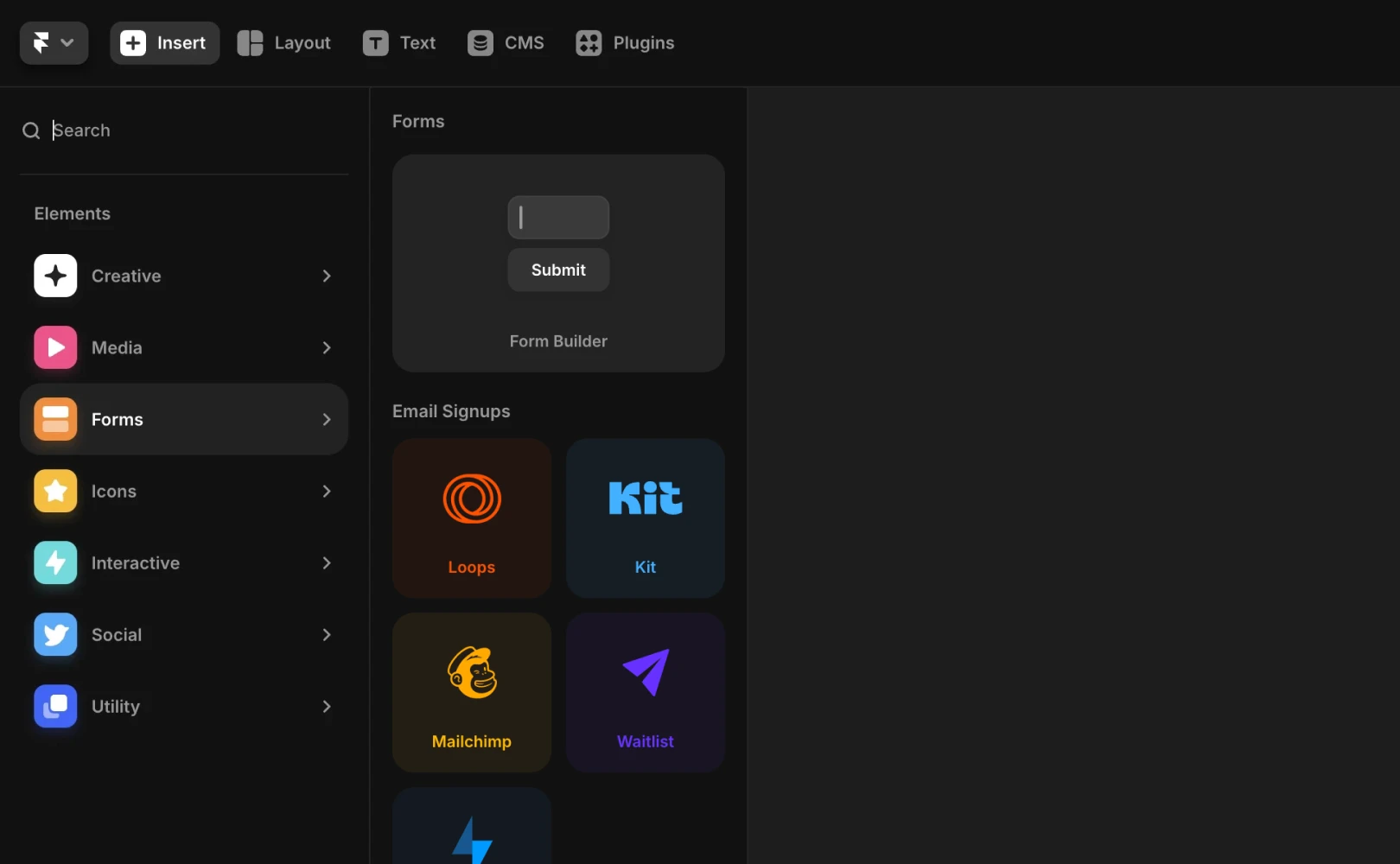
How Spam Protection Works
This system utilizes a CAPTCHA test (an automated public Turing test to tell computers and humans apart). However, it doesn't require users to type characters from images. The test runs silently in the background, so visitors don't need to input random characters.
The technical principle involves creating a kind of mathematical puzzle that a visitor's device must solve. Ordinary bots or bot networks often lack the computational power to solve these puzzles, effectively preventing them from filling out or submitting forms.
When Spam Still Gets Through
If spam continues to come through your site's forms, it is likely manually submitted by an actual person rather than an automated bot.
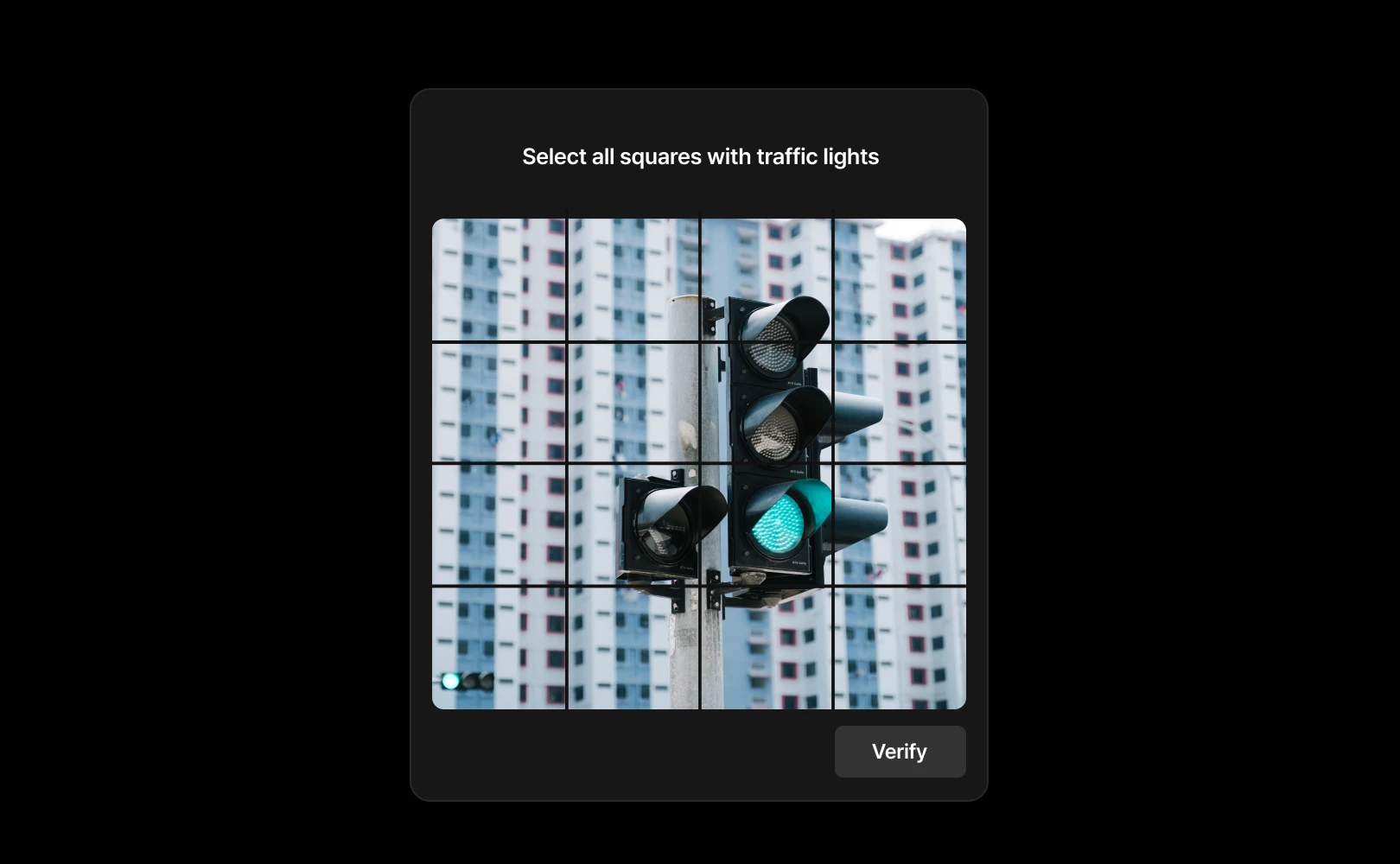
Adding a CAPTCHA with images may deter some people from completing the form, but it can't completely stop those determined to submit it. In such cases, you will need to manually filter and manage unwanted entries from where the form data is stored.
Future Improvements to Framer's Spam Protection
Currently, Framer does not support reCAPTCHA integration by default. However, Framer is continuously exploring and researching ways to improve spam filtering features.
Frequently Asked Questions (FAQ)
Q. Does this spam protection work on sites using the free plan?
Yes, this background spam protection technology is included in all plans (including the free plan) that can use Framer's built-in form components.
Q. Can I manually disable this feature for site loading speed optimization?
No. This feature is forcibly activated at the system level to maintain the overall infrastructure of Framer and the security of user sites. However, it is designed to run very lightly in the background, having minimal impact on site loading speed.
Q. Does this feature collect user IP addresses or personal information?
No. Framer's spam protection operates by testing the pure computational capability of a user's device, without tracking browser cookies or activity records.
This article is an adapted translation of ‘How Framer’s built-in form spam protection works’ from the Framer official blog.



