Read Time
min
Get Started
Sep 25, 2025
How to Submit a Framer Plugin
When you submit a plugin to the Framer Marketplace, you keep 100% of the profits. This process includes pre-testing and detailed reviews to boost user trust, and the review process offers an opportunity to enhance quality.



Contents
Table of Contents
Benefits of Registering a Plugin
Posting a plugin on the Framer Marketplace not only allows you to share your work but also gain exposure to a rapidly growing creator ecosystem. Since you receive 100% of the sale profits, it's an additional monetization opportunity.
Checklist Before Submitting a Plugin
Make sure to review the following before submission. Once you're ready, follow the steps outlined in this guide for easy submission.
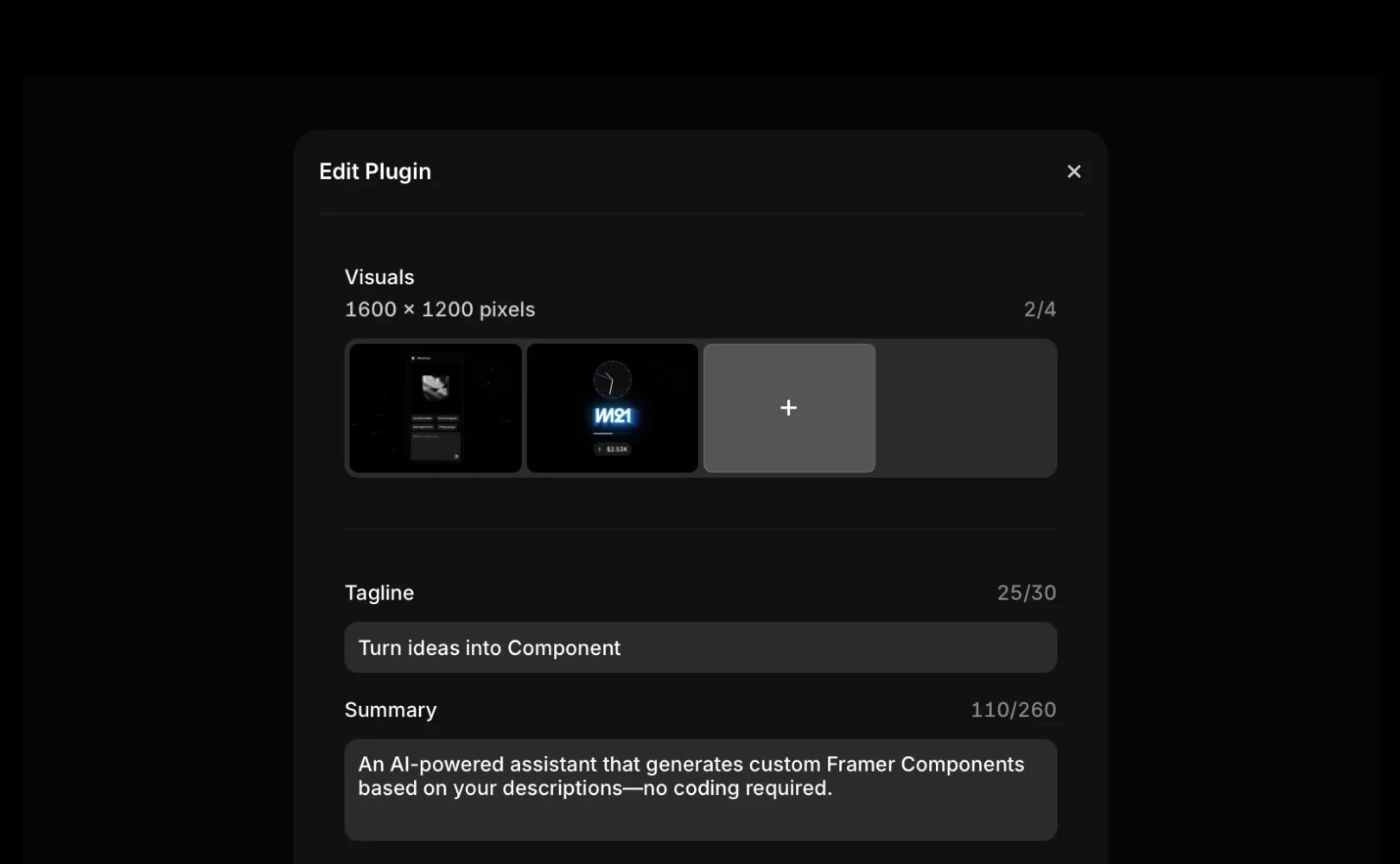
Pre-Test: Identify and fix any errors or bugs in advance. Test in various situations to ensure users can use it smoothly.
Detail Review: Carefully check the plugin name, description, images, and contact information. Even a small typo or omission can impact user trust.
Paid Feature Notice: If there are upgrade or payment elements, make sure to explain the pricing model clearly.
Submission Requirement Check: Review the marketplace requirements once more to confirm submission criteria.
Review Process and Duration
Plugins aren’t published immediately upon submission but go through a series of review processes. Here’s the estimated time and review criteria for each stage.
Stage | Duration (Average) | Process Details |
|---|---|---|
Initial (First Review) | Approx. 7 days | Verify basic submission requirements. If approved, proceed to the next step; otherwise, return with brief reasons. |
Design (Design Review) | Approx. 14 days | Evaluate design completeness and overall quality. If criteria are met, notify by email and post immediately. If lacking but has potential, provide detailed feedback. |
If the plugin meets the design criteria, you'll receive an email alert, and the plugin will be posted soon. However, if it doesn't meet the standards but the work shows potential, we provide detailed feedback to help improve it. Use this process as an opportunity to enhance your plugin for better results.
Managing After Submission
After submitting a plugin, you can monitor the progress in real-time on the Creator Dashboard. The statuses are as follows:
In Review: Detailed review in progress
Needs Changes: Modification requested by the review team
Published: Published on the marketplace
Rejected: Rejected by the review team
We strive to conduct reviews quickly, but the time may extend depending on the plugin's complexity. If you find a bug post-submission, notify us immediately to make corrections through the update procedure.
If you have questions or need further assistance, please contact us at creators@framer.com.
This article is a translation and adaptation of Framer's official blog post ‘How to submit a Plugin’.
More posts



