Read Time
min
Insights
Dec 3, 2025
How to Embed a Loom Video on Your Site
Here's how to easily embed Loom videos on a Framer site. This guide will help you share video messages effectively with user-friendly steps and responsive settings.



Contents
Table of Contents
What is Loom?
Loom is a video messaging tool that helps convey messages through instantly shareable videos.
With Loom, you can simultaneously record your camera, microphone, and desktop screen. The recorded videos can be instantly shared thanks to Loom's patented technology.
How to Embed a Loom Video
1. Add the Embed Component
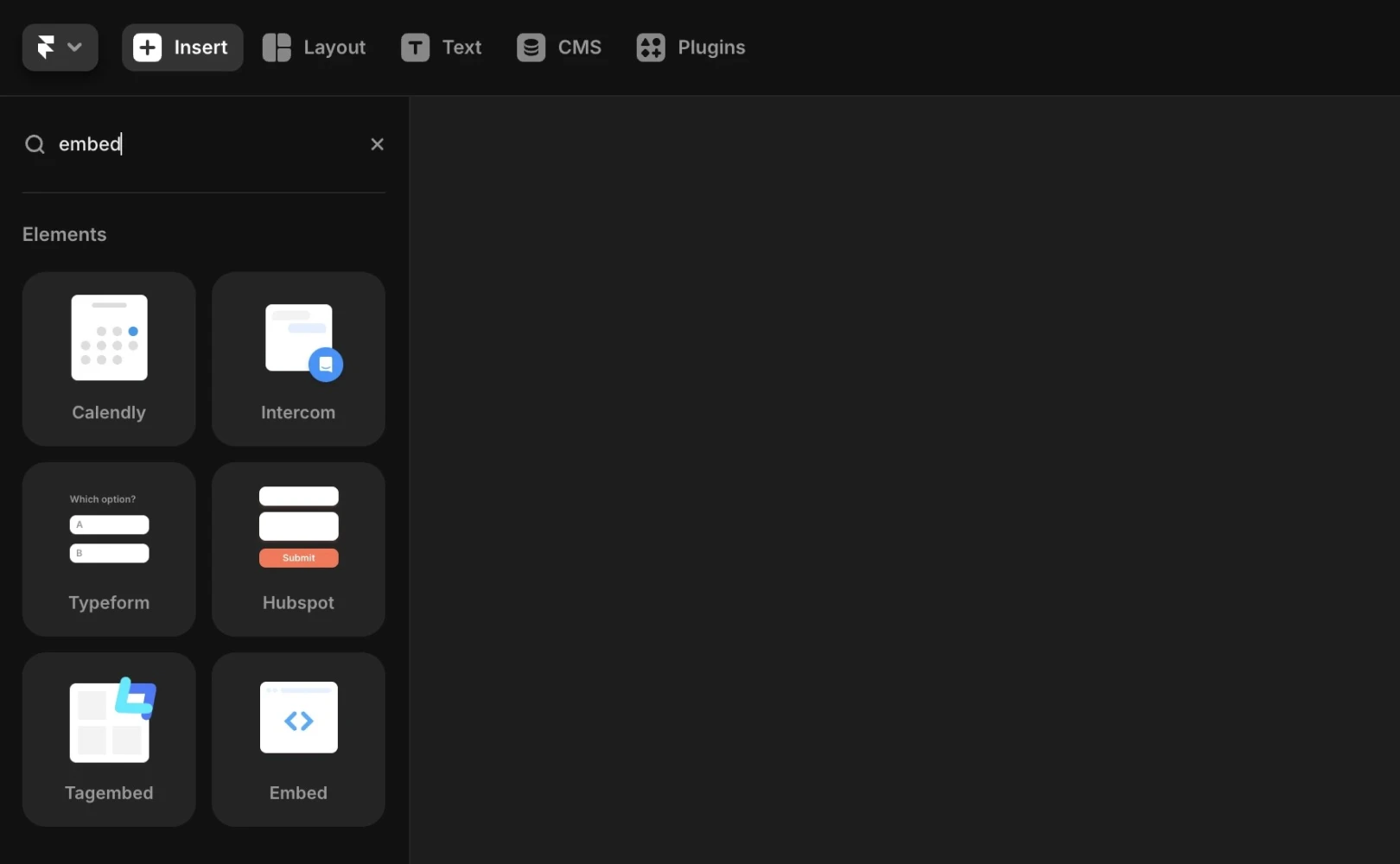
First, open the Insert menu in the Framer editor, find embed, and drag it onto your canvas.
2. Get the Embed Code from Loom
On the video's share page, click the
Sharebutton at the top of the video.Select the
Embedoption and make sure the video's privacy setting is “Anyone with the link”.Copy the embed code provided by Loom exactly as it is.
Basic Code Example:
3. Remove the Style Attribute from the div Tag
To avoid conflict with Framer's embed component, remove only the style attribute from the above code in the <div> tag.
This should look like:
4. Paste Code into the Framer Embed Component
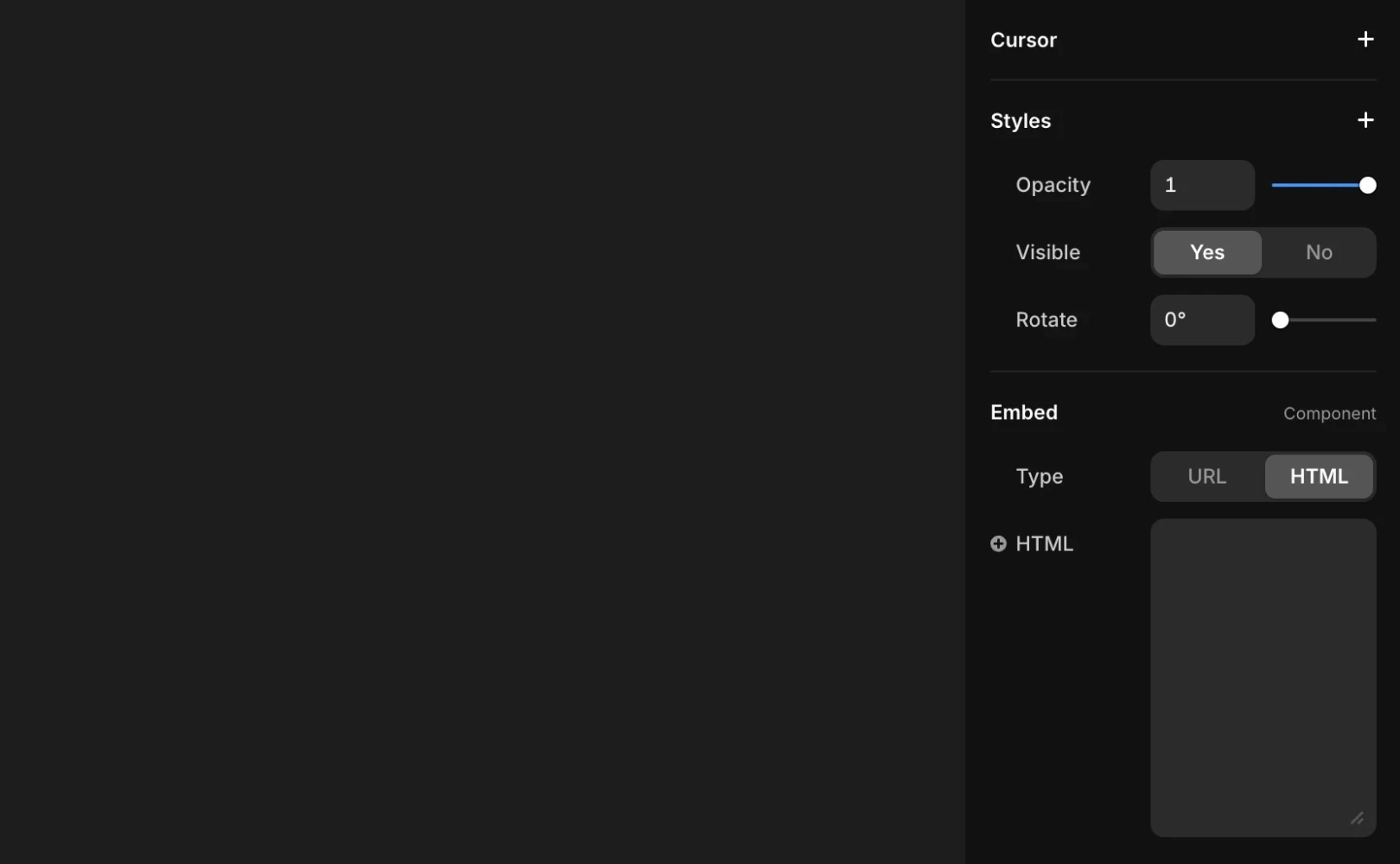
Return to Framer and select the Embed component placed on your canvas.
Switch to the
HTMLtab in the right panel and paste the code into the input field that appears.Now, when you preview or publish the site, the Loom video will naturally display within the page.
5. Configure Additional Parameters
If you need further detailed settings such as video playback options or display methods, refer to the Loom support documents.
If you still encounter issues, please contact us through the contact page.
Frequently Asked Questions (FAQ)
Q. Is additional configuration needed to make the Embed component responsive?
No. Framer's Embed component is automatically responsive to the container size, so there's no need to add extra CSS.
Q. Do I need to manually adjust the size if the video appears too large?
Yes. The Embed component follows the size of the parent Frame, so adjust the Frame or Auto Layout settings to your desired size.
Q. Can I change the video thumbnail (pre-play screen) from within Framer?
No. Thumbnails can only be changed on the Loom platform, and cannot be controlled within Framer.
This content is an adaptation and translation of the Framer official blog’s 'Embedding a Loom video in your site'.
More posts



