Read Time
min
Performance
Sep 9, 2025
Setting Up NGINX Reverse Proxy
Here's a guide on setting up a reverse proxy with NGINX. Safely route requests to your Framer site and selectively proxy specific paths for flexible traffic control. Enhance security with SSL configuration.



Contents
Table of Contents
Basic Setup
First, update the server block in the /etc/nginx/sites-available/default file as shown below.
Applying this setting routes incoming requests to the Framer site, while users continue to see your domain (example.com) in the browser address bar.
Proxy Specific Slugs Only
If you wish to proxy specific slugs only (e.g., /blog or /pricing) instead of the entire site, add or modify a specific location block accordingly.
This allows only requests to /my-path to be routed to the Framer site, giving you finer control over which traffic is sent to Framer.
Why 'proxy_ssl_server_name on' is Necessary
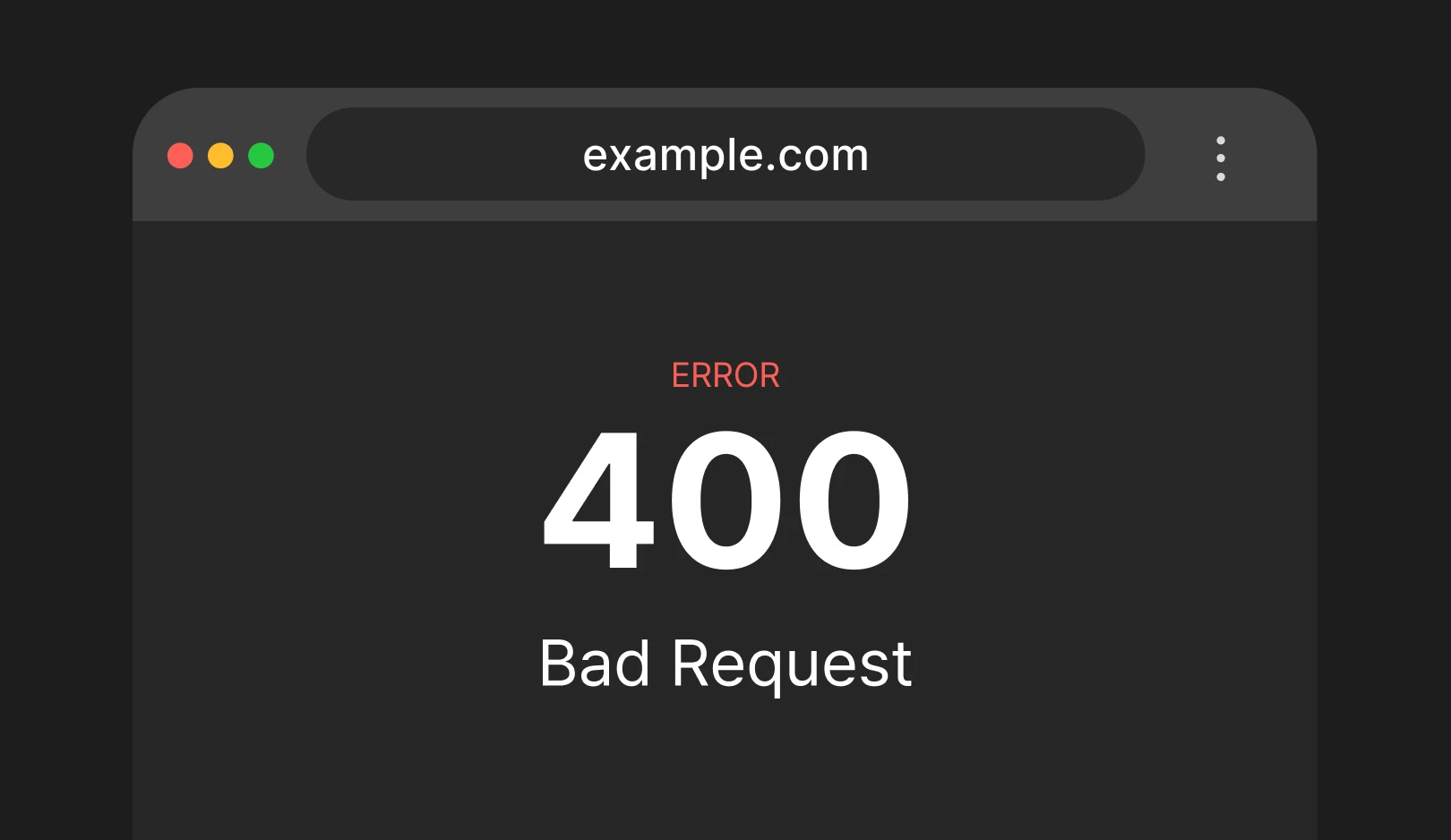
This directive ensures that NGINX sends the correct host name using SNI (Server Name Indication) when forwarding requests. Without this setting, you may encounter a 400 Bad Request: Invalid hostname error when sending requests to a custom domain.
Securing Proxies with SSL
To protect users and encrypt traffic, HTTPS configuration is required.
Using Let's Encrypt with Certbot
It's free and integrates well with NGINX to automatically handle SSL certificate creation and renewal.
For a step-by-step guide, please refer to the Certbot documentation.
Using Existing Certificates
If you have certificates issued by providers like DigiCert or Sectigo, you can set them up with NGINX using directives such as
ssl_certificateandssl_certificate_key.
Self-Signed Certificates
These are fine for testing or internal purposes, but they are not recommended for live sites as they may trigger security warnings in browsers.
Conclusion
What paths would you like to connect with a reverse proxy? With just this setup, you can operate the Framer site securely and reliably from your domain. Initially, try proxying the entire server block, and later, consider specifying only the necessary paths for flexible operation.
This article is an adapted translation of Framer's official blog post ‘Proxying with NGINX’.
More posts



